

HR Track (aPHRi – Excel in HR)
HR Track (aPHRi – Excel in HR)
Description
Sub total
2,500.00Vendor
Trust Point Expert Support: Get help from our instructors throughout your learning journey.
 Certificate of Completion: Earn your certificate upon finishing the course.
Enquiry about product?
About your query!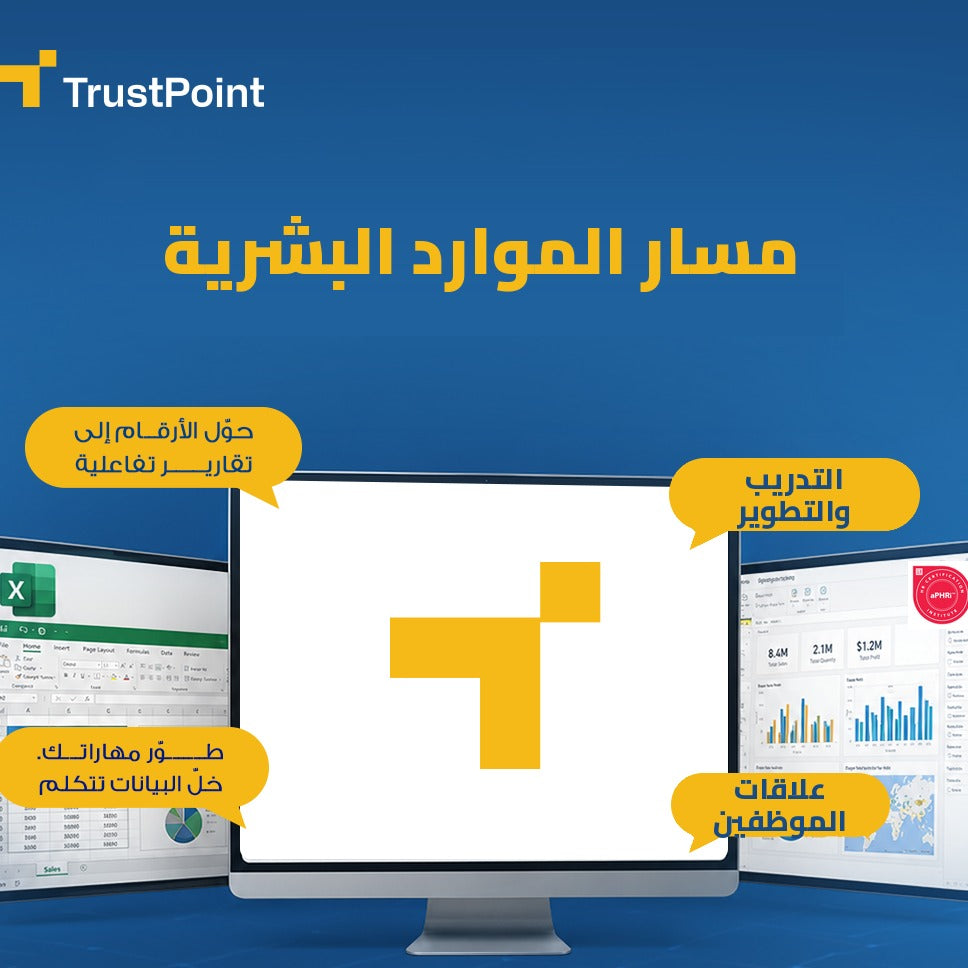
This track covers the core principles of human resources management across five main areas — HR operations, recruitment, compensation, professional development, and employee relations and well-being. It is designed for beginners, with no prior experience required, as well as for professionals. The Excel for HR course also covers all the practical skills you need in Excel to help you organize your work as an HR manager or personnel officer.
aPHRi Modules
Module 1 – HR Operations: Covers day-to-day operational tasks such as workforce management, compliance with organizational regulations and policies, and organizing administrative processes within the company.
Module 2 – Recruitment and Selection: Focuses on the organizational requirements of recruitment, talent attraction, sourcing, interviewing and selection processes, and onboarding procedures for new employees.
Module 3 – Compensation and Benefits: Addresses pay and benefits programs and how to design comprehensive rewards strategies that enhance employee satisfaction and maintain competitiveness.
Module 4 – HR Development and Retention: Covers learning and development, career development, and succession planning to ensure continuity of performance.
Module 5 – Employee Relations, Health, and Safety: Covers employee relations and labor laws, workplace ethics, diversity and inclusion, risk management, and workplace safety.
Excel in HR Course Topics
Lookup function and its uses in human resources.
Excel fundamentals: getting to know the interface and basic tools.
Formatting tables and professional navigation within files.
Using references and named ranges.
Basic functions: SUM, AVERAGE, MIN, MAX.
Sort & Filter.
Conditional Formatting.
Excel functions in human resources.
Lookup functions: VLOOKUP, HLOOKUP, INDEX, MATCH.
Date functions: TODAY, NOW, DATEDIF, YEARFRAC.
Logical functions: IF, IFS, AND, OR.
Text functions: LEFT, RIGHT, LEN, TEXT, TRIM.
Practical HR applications.
Using special text functions in the HR field.
Using logical functions to obtain the desired results.
Using pivot tables and charts.
Creating pivot tables.
Building a complete employee database.
Designing attendance and check-in/check-out sheets.
Tracking leaves and absences.
Performance evaluation using Excel.
Linking multiple worksheets together.
Calculating salaries, allowances, and deductions.
Analyzing employee data using pivot tables.
Reports and charts.
Preparing monthly and quarterly reports.
Designing an interactive HR dashboard.
Turnover analysis.
Learning Objectives
Enhance your CV with a globally recognized certification from HRCI.
Gain comprehensive knowledge of HR best practices.
Improve practical skills in recruitment, compensation, employee development, and relationship management.
Increase employment and promotion opportunities in local and international companies.
Build a strong foundation that qualifies you to move on to higher certifications in the future.
Understand the fundamentals of Excel.
Understand formulas and how to create pivot tables and charts and apply them in your work.
Understand and use special text functions in the HR field.
Understand and use logical functions to obtain the results you want.
Secure Excel files.
Target Audience
Individuals new to HR or wishing to enter the field without prior experience.
Professionals working in HR outside the United States.
Corporate employees in HR departments who need a global certification to strengthen their professional standing.
Anyone seeking to improve their HR management skills in a practical and fast way.
Business owners who need to manage their operations in a more organized manner.
HR supervisors or managers.
Personnel officers.
Those responsible for payroll, compensation, and other financial tasks.
Learning Objectives
Target Audience
Skills & Competencies
Prerequisites